Claude prompt
Live preview ↗
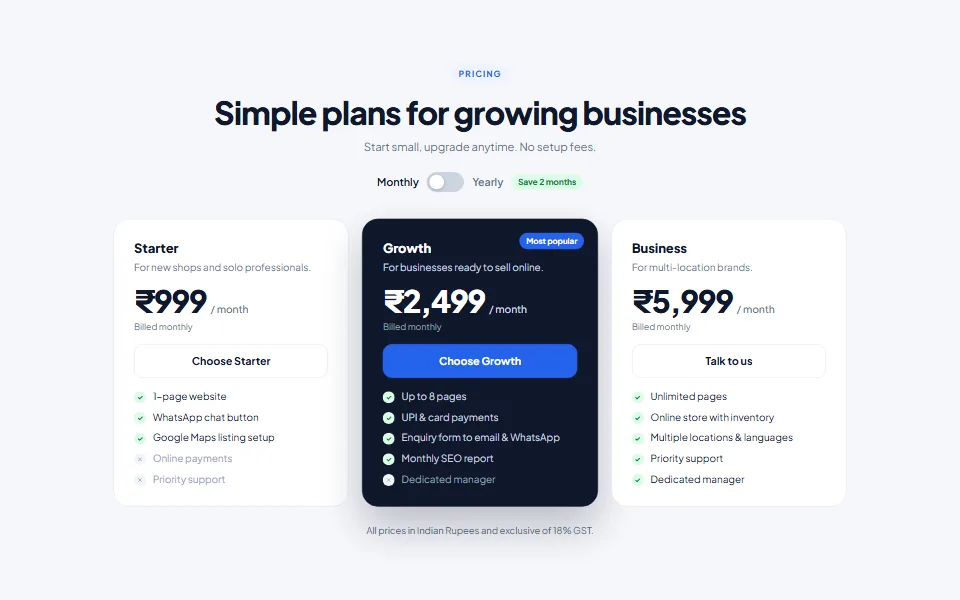
Pricing Table (₹)
FreeThree-plan pricing with a monthly/yearly switch and GST note
Floating chat widget with online status and quick replies
The fastest way to turn website visitors into conversations. Customers see a friendly chat card instead of a bare phone number, pick a quick reply and land in WhatsApp with the message already typed.
Add your details, copy the prompt and paste it into Claude. You'll get copy-paste code you can add to any website.
Create a floating "Chat on WhatsApp" widget that I can paste into any website just before </body>. Give me ONE self-contained snippet (HTML + <style> + <script>) where every CSS class starts with "wa-" so nothing clashes with my site.

DETAILS
- Business name: [Your business name]
- WhatsApp number: [Your WhatsApp number] (use digits only, with country code 91, in the wa.me links)
- Business hours for the online/away status: 9 AM – 9 PM India time (Asia/Kolkata)

BEHAVIOUR & DESIGN
- A 62px round green (#25D366) button fixed to the bottom-right with the WhatsApp logo as inline SVG, a soft pulse ring and a small red "1" badge
- Clicking it opens a 340px chat card (max width 100vw − 32px) with: a dark green gradient header (initials avatar with a status dot, business name, and "Online · replies in ~5 min" or "Away · we reply from 9 AM" worked out from the current IST time), a chat-style body with a greeting bubble showing the current time, 3 quick-reply chips that each open WhatsApp with a different pre-filled message, and a full-width "Start chat on WhatsApp" button
- A close button; Escape closes the card; keep aria-expanded in sync; smooth scale/fade animation; respect prefers-reduced-motion
- All links use https://wa.me/<number>?text=<URL-encoded message> and open in a new tab

Return only the snippet in one code block, followed by 3 short lines on where to paste it and how to change the quick replies.
Tip: Claude can keep editing for you — try follow-ups like “make the header sticky”, “add a photo gallery” or “translate the page into Kannada”.
No. Claude writes all the code. You only need to copy the prompt, paste it into Claude and save the file it gives you. If you get stuck, message us — we're happy to help.
Yes — free items are free for personal and commercial use, with no attribution required.
Yes. We can customise this design with your content, connect your domain and WhatsApp, and publish it for you. Book a free consultation to get a quote.
Three-plan pricing with a monthly/yearly switch and GST note
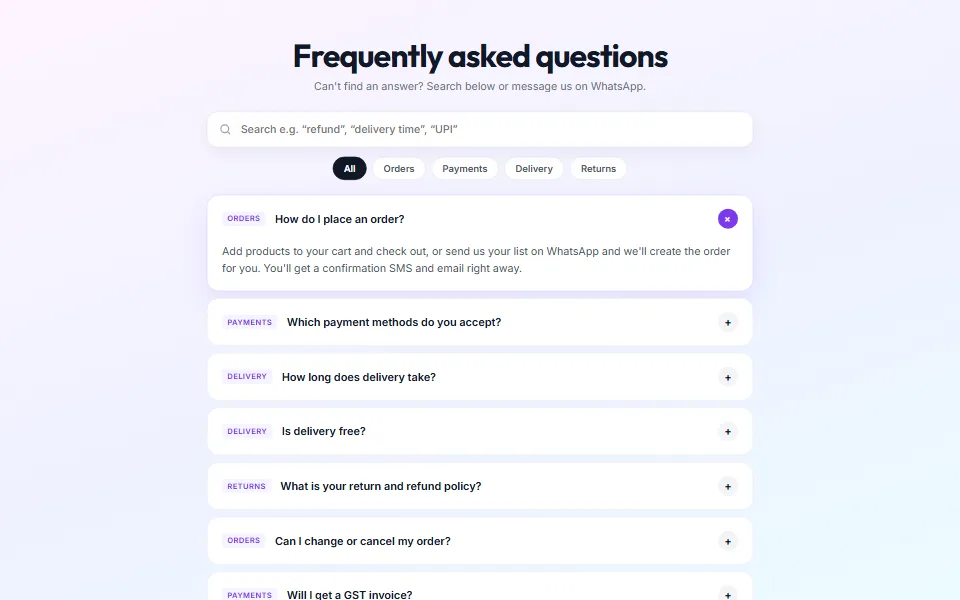
Searchable FAQs with topic filters and structured data
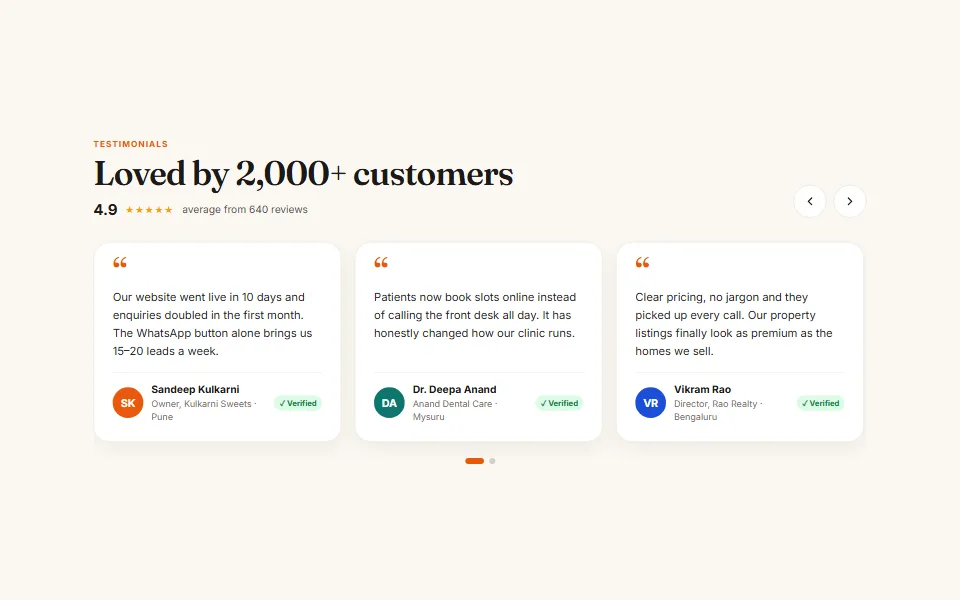
Swipeable reviews slider with autoplay, arrows and dots
Tell us what you need — a customised template, a full website, an online store or an app. We usually reply within one working day.