Claude prompt
Live preview ↗
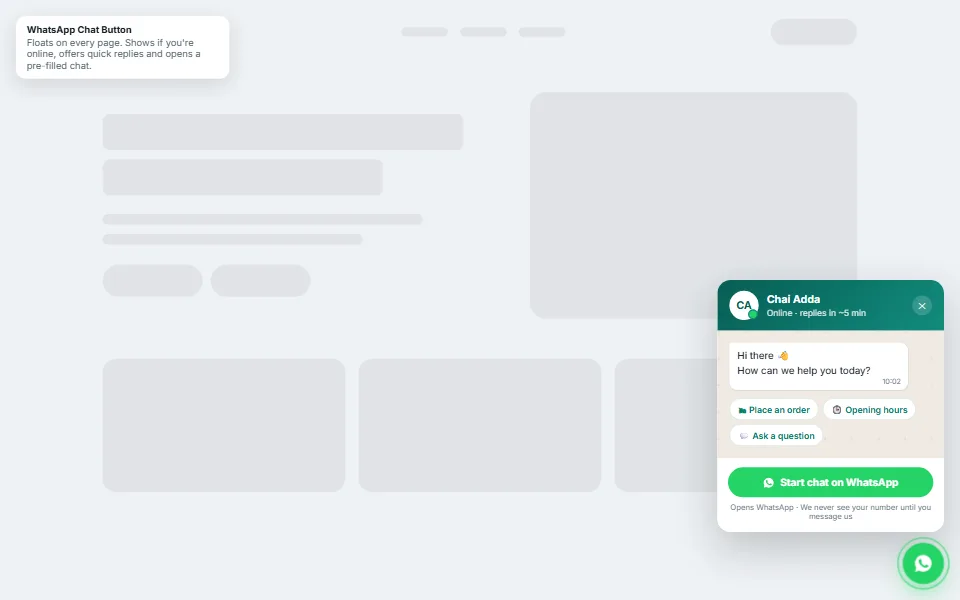
WhatsApp Chat Button
FreeFloating chat widget with online status and quick replies
Searchable FAQs with topic filters and structured data
Answer the questions that stop people buying — and let them find answers instantly. Search highlights matches as they type, and topic pills narrow the list.
Add your details, copy the prompt and paste it into Claude. You'll get copy-paste code you can add to any website.
Create an accessible FAQ section with instant search and topic filters as ONE self-contained snippet (HTML + <style> + <script>, every class prefixed "faq-").

CONTENT
- Business: [Your business name]
- Write 7 realistic FAQs for my business across 4 topics: Orders, Payments, Delivery and Returns (mention ₹ amounts and Indian payment methods like UPI where relevant). I'll edit them later.
- At the bottom, a "Still have a question?" strip with a WhatsApp button for [Your WhatsApp number]

BEHAVIOUR & DESIGN
- A large search input with a magnifier icon; typing filters questions and answers live, highlights matches with <mark> and automatically opens matching answers
- Topic pills (All + the 4 topics) that work together with the search
- Only one answer open at a time, a smooth height animation using grid-template-rows (0fr → 1fr), a "+" icon that rotates into "×", and aria-expanded on every question button
- A friendly empty state when nothing matches
- Generate FAQPage JSON-LD from the questions on the page with JavaScript
- White cards (18px radius) on a soft gradient, "Outfit" for the heading and "Inter" for text, accent colour #2563eb

Return the snippet in one code block.
Tip: Claude can keep editing for you — try follow-ups like “make the header sticky”, “add a photo gallery” or “translate the page into Kannada”.
No. Claude writes all the code. You only need to copy the prompt, paste it into Claude and save the file it gives you. If you get stuck, message us — we're happy to help.
Yes — free items are free for personal and commercial use, with no attribution required.
Yes. We can customise this design with your content, connect your domain and WhatsApp, and publish it for you. Book a free consultation to get a quote.
Floating chat widget with online status and quick replies
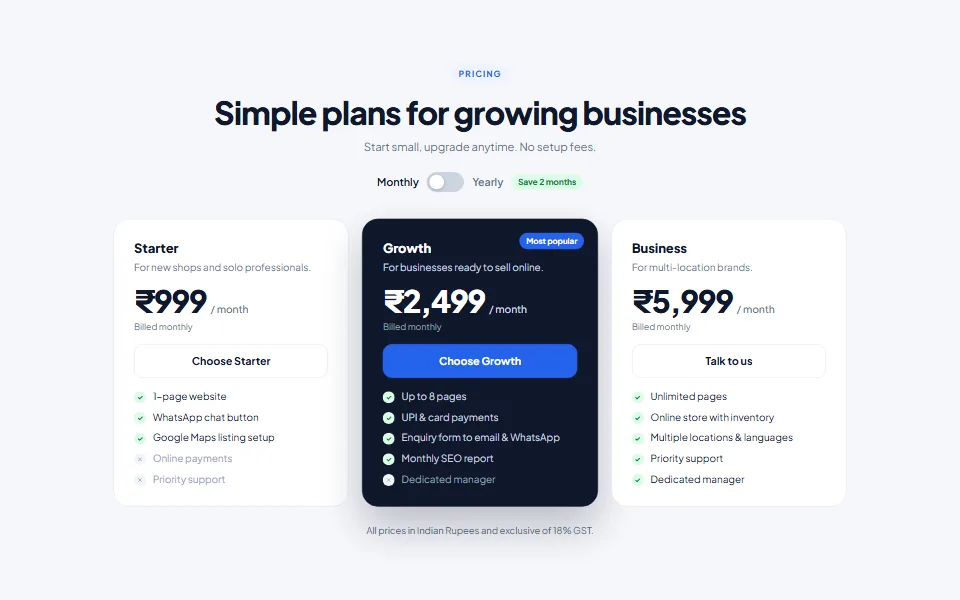
Three-plan pricing with a monthly/yearly switch and GST note
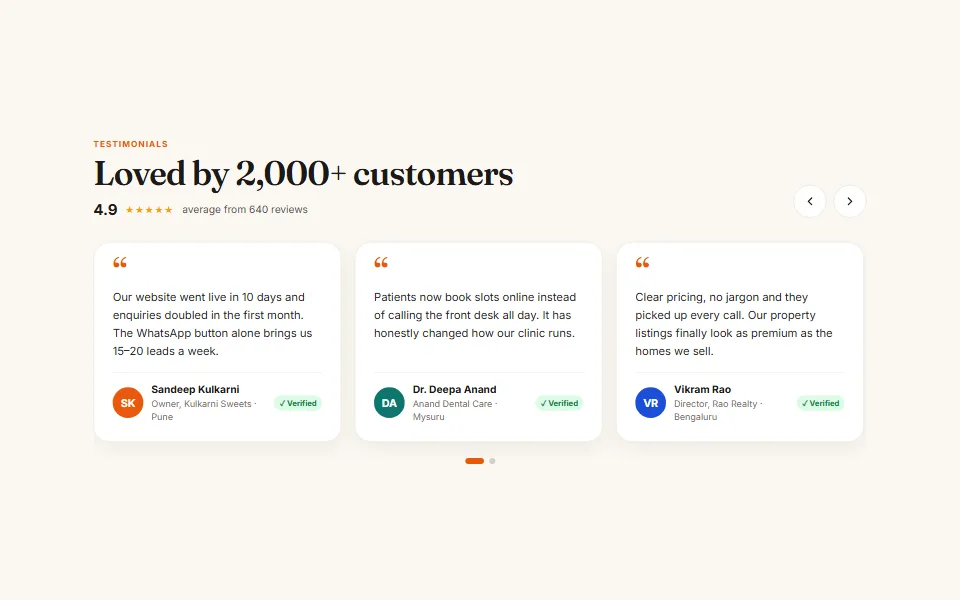
Swipeable reviews slider with autoplay, arrows and dots
Tell us what you need — a customised template, a full website, an online store or an app. We usually reply within one working day.