Claude prompt
Live preview ↗
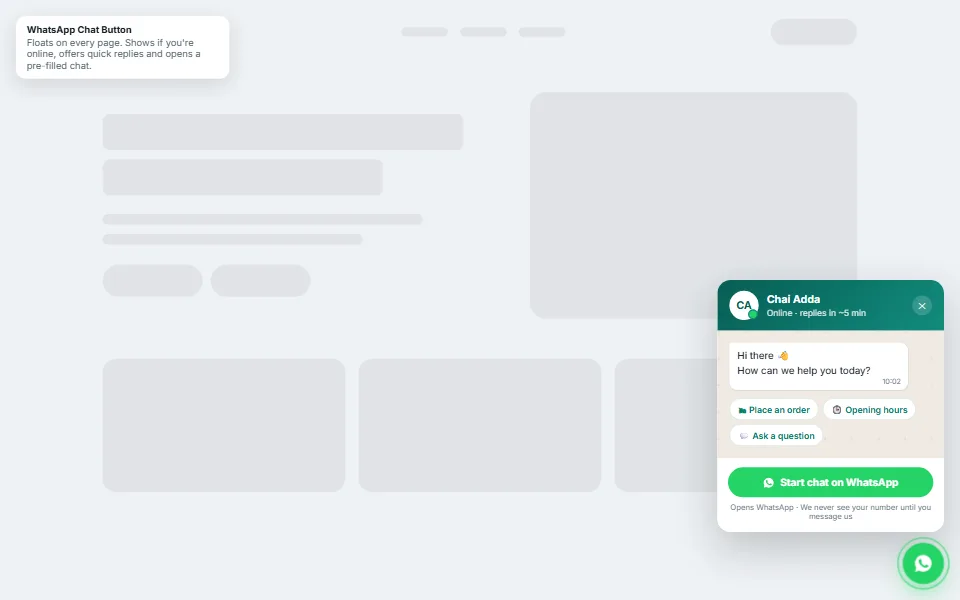
WhatsApp Chat Button
FreeFloating chat widget with online status and quick replies
Three-plan pricing with a monthly/yearly switch and GST note
Pricing pages decide sales. This one keeps it simple: three clear plans, a switch that shows the effective monthly price on yearly billing, Indian digit grouping and an honest GST note.
Add your details, copy the prompt and paste it into Claude. You'll get copy-paste code you can add to any website.
Build a responsive three-plan pricing section as ONE self-contained snippet (HTML + <style> + <script>, every class prefixed "pt-") that I can drop into any page.

MY PLANS (edit freely)
- Business: [Your business name]
- Brand colour: #2563eb
- Plans: Starter ₹999/month, Growth ₹2,499/month (most popular), Business ₹5,999/month; yearly price = 10 × monthly (2 months free)

DESIGN
- White cards (24px radius, 1px #E2E8F0 border) on a soft dotted background; the popular plan in dark navy #0F172A with a brand-coloured "Most popular" pill and button
- "Plus Jakarta Sans" font, large bold prices with Indian digit grouping (e.g. ₹24,990), green tick and grey cross icons as inline SVG data URIs
- Hover lift; on mobile the plans stack into one column (max 440px wide)

BEHAVIOUR
- A Monthly/Yearly switch (role="switch" with aria-checked) that updates every price using Intl.NumberFormat('en-IN'); yearly shows the effective monthly price plus a "₹X billed yearly" line
- A "Save 2 months" badge next to the switch
- A note below the plans: "All prices in Indian Rupees and exclusive of 18% GST."

Return the snippet in one code block, and explain in 2 lines how to add a fourth plan.
Tip: Claude can keep editing for you — try follow-ups like “make the header sticky”, “add a photo gallery” or “translate the page into Kannada”.
No. Claude writes all the code. You only need to copy the prompt, paste it into Claude and save the file it gives you. If you get stuck, message us — we're happy to help.
Yes — free items are free for personal and commercial use, with no attribution required.
Yes. We can customise this design with your content, connect your domain and WhatsApp, and publish it for you. Book a free consultation to get a quote.
Floating chat widget with online status and quick replies
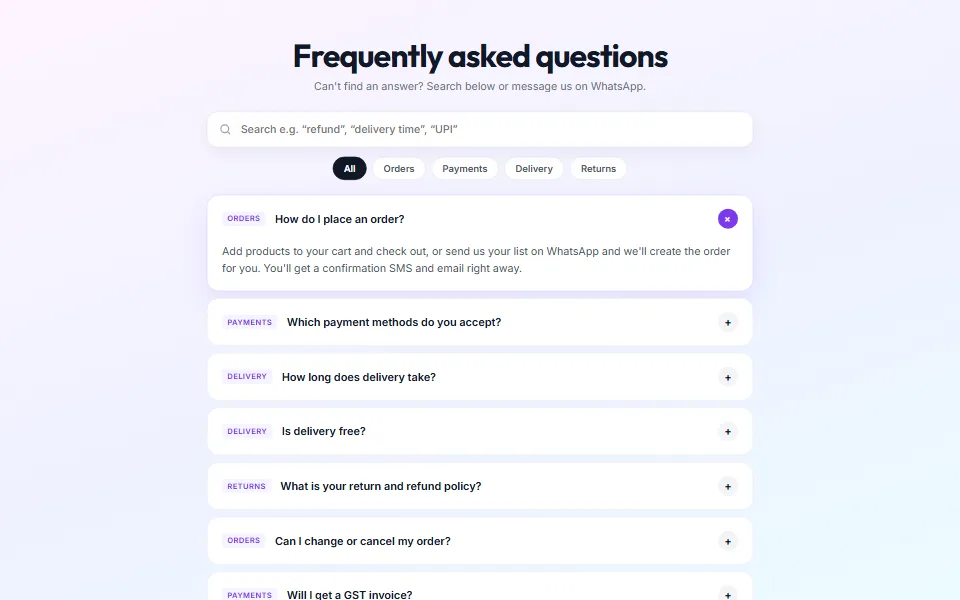
Searchable FAQs with topic filters and structured data
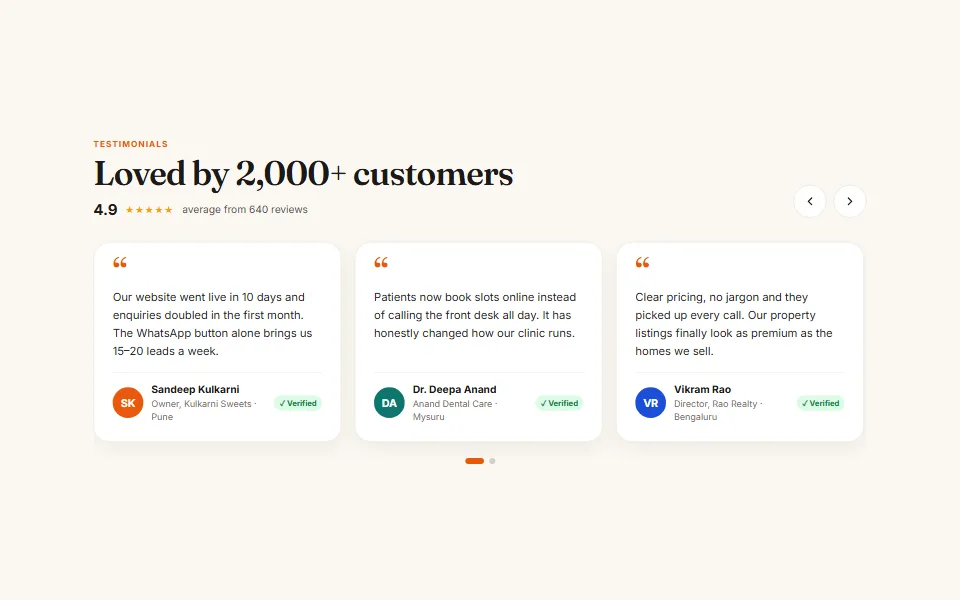
Swipeable reviews slider with autoplay, arrows and dots
Tell us what you need — a customised template, a full website, an online store or an app. We usually reply within one working day.