Estatio
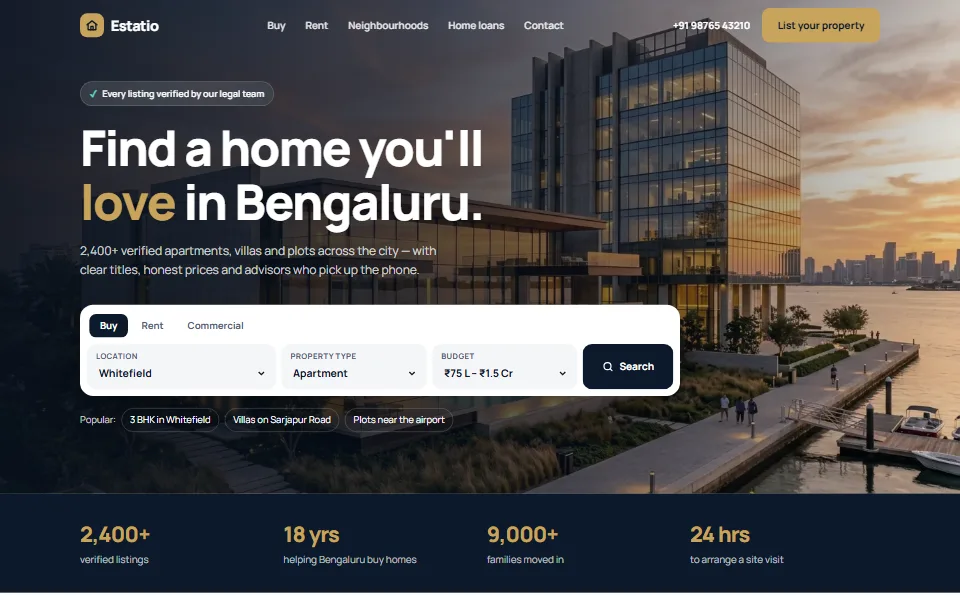
₹4,999Premium real estate website with property search, listings and an EMI calculator
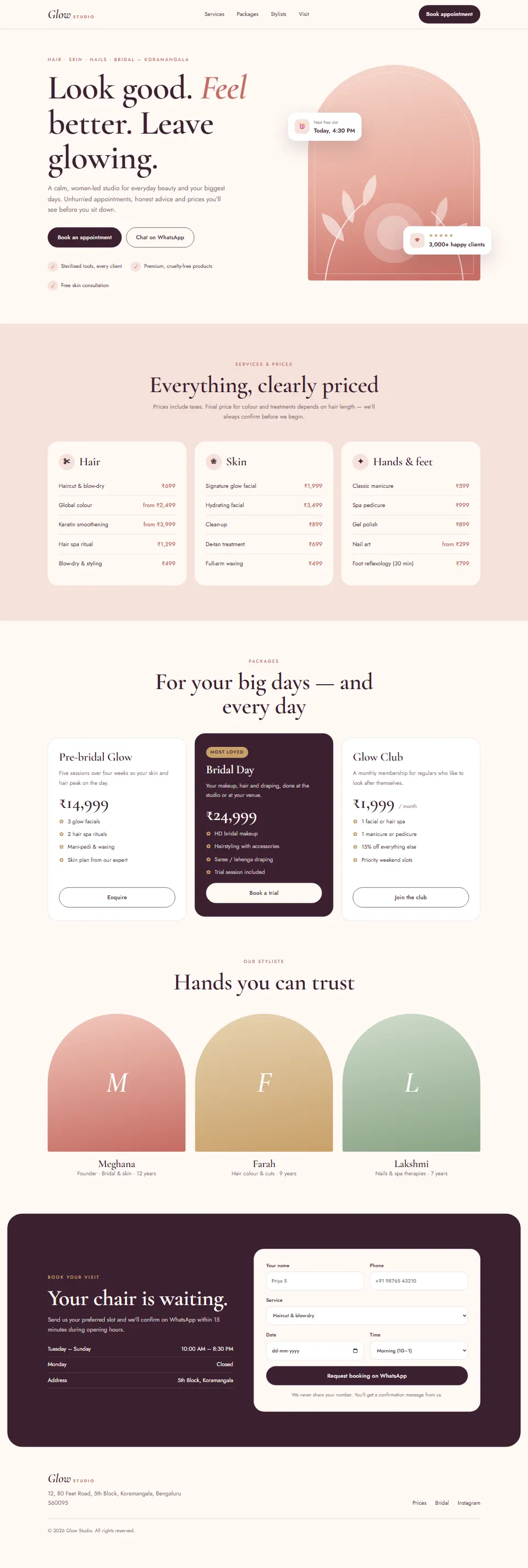
Elegant salon & spa website with ₹ price list, packages and WhatsApp booking
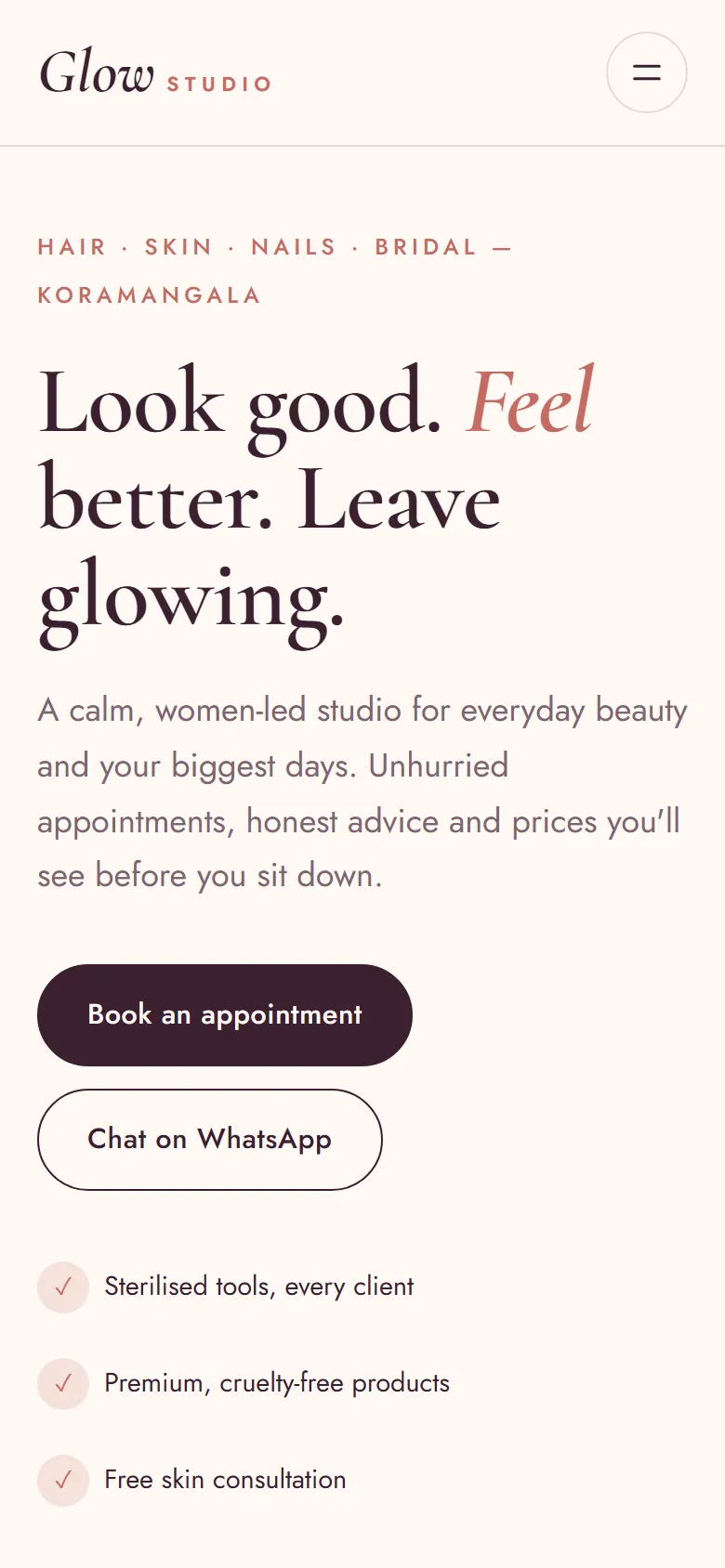
Mobile view
Glow Studio pairs elegant Cormorant headlines with blush and plum tones, arch-shaped visuals and plenty of breathing room — it feels like walking into a calm, beautiful studio.
The booking form needs no server at all: it turns the customer's choices into a neatly formatted WhatsApp message to you, so bookings land where you already work.
Add your details, copy the prompt and paste it into Claude. You'll get a complete website as a single HTML file — save it as index.html and open it in your browser.
You are a senior web designer specialising in beauty and wellness brands. Build an elegant, premium website for my salon as a single HTML file (HTML + CSS + vanilla JavaScript — no frameworks, no external images).

BUSINESS
- Salon name: [Your business name]
- Area & city: [Your area, city]
- WhatsApp number for bookings: [Your WhatsApp number]
- Hours: Tue–Sun 10:00 AM – 8:30 PM, Monday closed

DESIGN
- Soft, feminine and premium: cream #FFF8F4, blush #F6E1DA, rose #C56B62, deep plum #3A2030 (primary) and gold #C8A06A
- Fonts (Google Fonts): "Cormorant Garamond" (with italic accents) for headings, "Jost" for body text
- Arch shapes (border-radius: 999px 999px 28px 28px), botanical line illustrations in inline SVG, 28px rounded cards and pill buttons

SECTIONS
1. Sticky header: an italic serif logo, links (Services, Packages, Stylists, Visit) and a "Book appointment" button; a mobile menu
2. Hero: a small-caps location line, the headline "Look good. Feel better. Leave glowing." with "Feel" in rose italics, a short intro, two buttons (Book an appointment, Chat on WhatsApp) and 3 promise ticks; on the right a tall arch with a blush-to-rose gradient and SVG leaves, with 2 floating cards ("Next free slot · Today, 4:30 PM" and a 5-star happy-clients card)
3. Services & prices on a blush background: 3 cards (Hair, Skin, Hands & feet) with 5 services each and prices in ₹ ("from ₹2,499" where the price varies)
4. Packages: 3 cards (Pre-bridal, Bridal Day highlighted in plum, Monthly membership) with ₹ prices and inclusions
5. Stylists: 3 arch-shaped gradient portraits showing an initial, with name, speciality and years of experience
6. Booking: a plum rounded section with hours on the left and a form on the right (name, phone, service, date — no past dates — and a time slot). On submit, build a WhatsApp message with all the details and open https://wa.me/<digits-only number>?text=<URL-encoded message> in a new tab
7. Footer with the address and an Instagram link

DETAILS
- Responsive from 360px, labelled form fields, focus states, prefers-reduced-motion support
- SEO: title, meta description, Open Graph tags and BeautySalon JSON-LD

OUTPUT
Return the full HTML file in one code block, then explain how to change the WhatsApp number and the prices.
Tip: Claude can keep editing for you — try follow-ups like “make the header sticky”, “add a photo gallery” or “translate the page into Kannada”.
No. Claude writes all the code. You only need to copy the prompt, paste it into Claude and save the file it gives you. If you get stuck, message us — we're happy to help.
Yes — free items are free for personal and commercial use, with no attribution required.
Yes. We can customise this design with your content, connect your domain and WhatsApp, and publish it for you. Book a free consultation to get a quote.
Premium real estate website with property search, listings and an EMI calculator
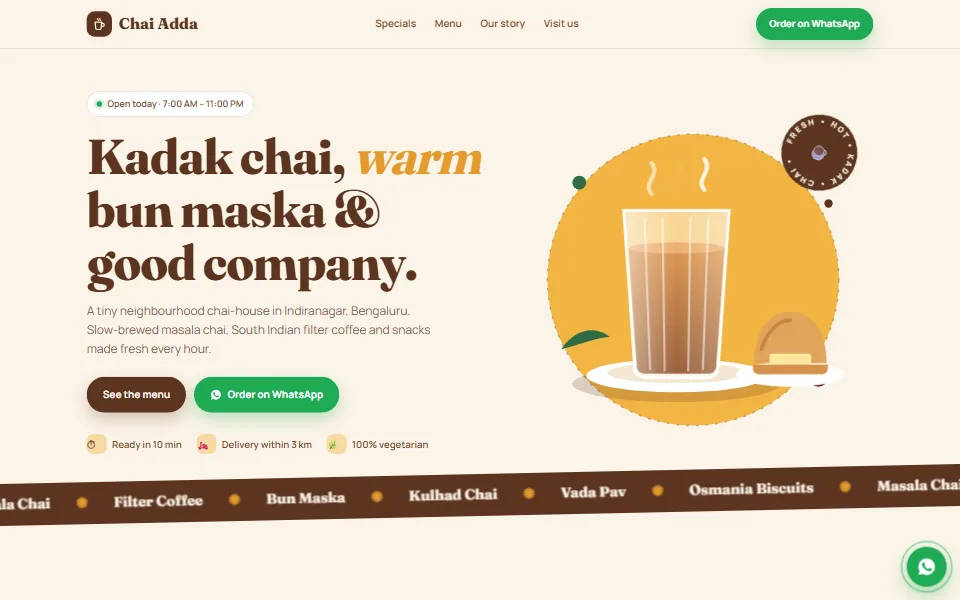
Warm café & restaurant website with a tabbed menu and WhatsApp ordering
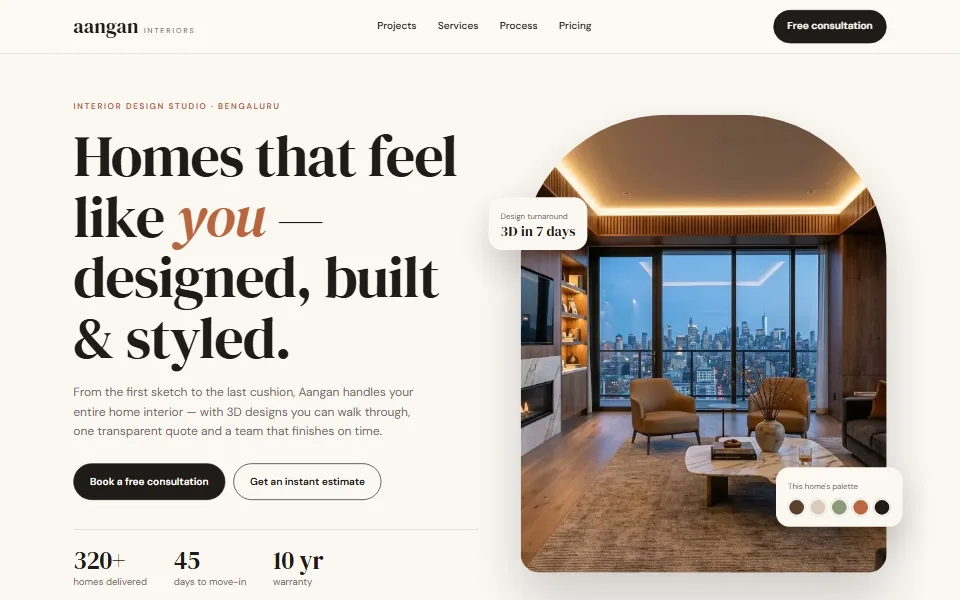
Warm, editorial website for interior designers with an instant cost estimator
Tell us what you need — a customised template, a full website, an online store or an app. We usually reply within one working day.