Claude prompt
Live preview ↗
SEO Starter Kit
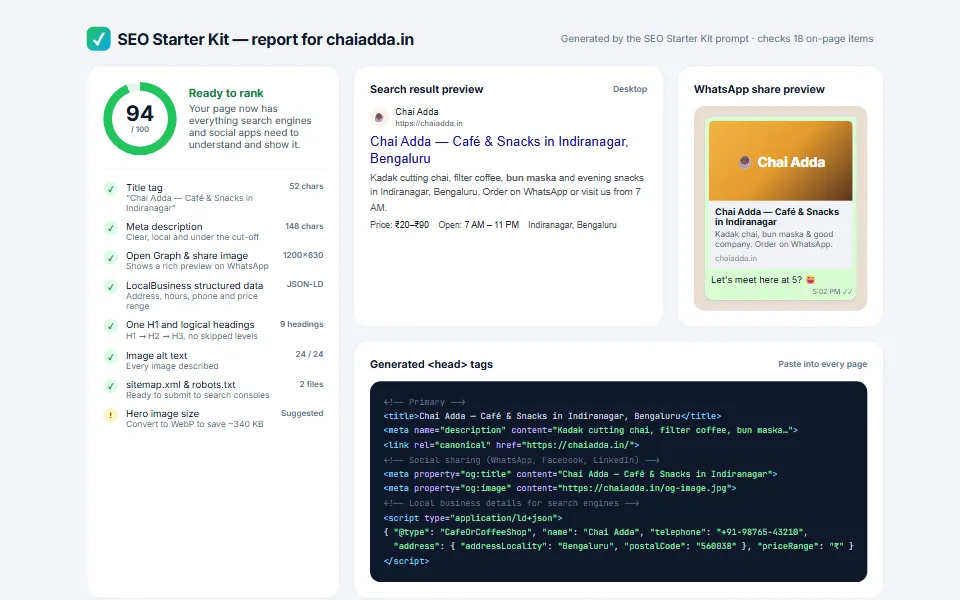
FreeMeta tags, social previews and local-business schema in one pass
Fair consent banner that blocks trackers until visitors agree
Many consent banners are decoration — the trackers load anyway. This one uses a simple pattern that keeps analytics and marketing scripts switched off until the visitor opts in, and remembers their choice.
Add your details, copy the prompt and paste it into Claude. You'll get copy-paste code you can add to any website.
Create a lightweight cookie consent banner for my website as ONE self-contained snippet (HTML + <style> + <script>, every class prefixed "cc-"), with no external libraries.

- Website / business: [Your business name]
- Brand colour for buttons and toggles: #2563eb
- Privacy policy URL: [your privacy policy link]

REQUIREMENTS
- A bottom banner (max 980px, centred, dark #0F172A, 20px radius) with a short plain-English message, a privacy-policy link and 3 buttons: "Reject non-essential", "Customise" and "Accept all" — Accept and Reject must be equally easy to choose
- A "Customise" dialog (role="dialog", aria-modal, focus moved inside, Escape closes it) with toggle switches for Essential (always on, disabled), Analytics and Marketing, plus "Reject all" and "Save choices" buttons
- Save the choice in localStorage under a versioned key ("cookie-consent-v1") with a timestamp; don't show the banner again until the version changes
- IMPORTANT: block analytics and marketing scripts until consent. Use the pattern <script type="text/plain" data-consent="analytics">…</script>; after consent, turn each allowed tag into a real <script> (support both inline code and src)
- After a choice, show a small "Cookie settings" button in a corner to reopen the preferences
- On mobile the buttons stack full-width; respect prefers-reduced-motion

Return the snippet in one code block, then show exactly how to wrap a Google Analytics tag so it waits for consent.
Tip: Claude can keep editing for you — try follow-ups like “make the header sticky”, “add a photo gallery” or “translate the page into Kannada”.
No. Claude writes all the code. You only need to copy the prompt, paste it into Claude and save the file it gives you. If you get stuck, message us — we're happy to help.
Yes — free items are free for personal and commercial use, with no attribution required.
Yes. We can customise this design with your content, connect your domain and WhatsApp, and publish it for you. Book a free consultation to get a quote.
Meta tags, social previews and local-business schema in one pass
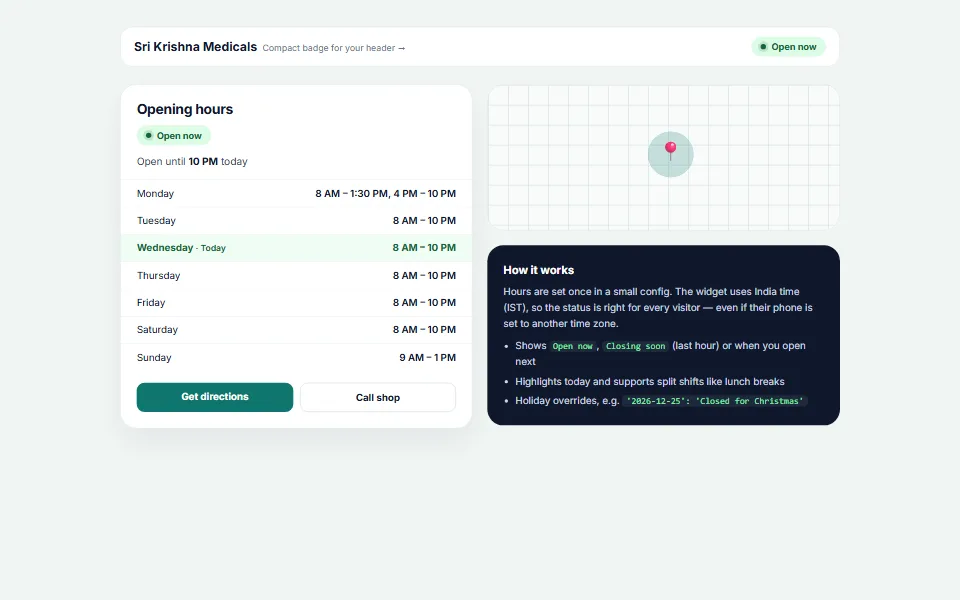
Live "Open now / Closing soon" status in India time
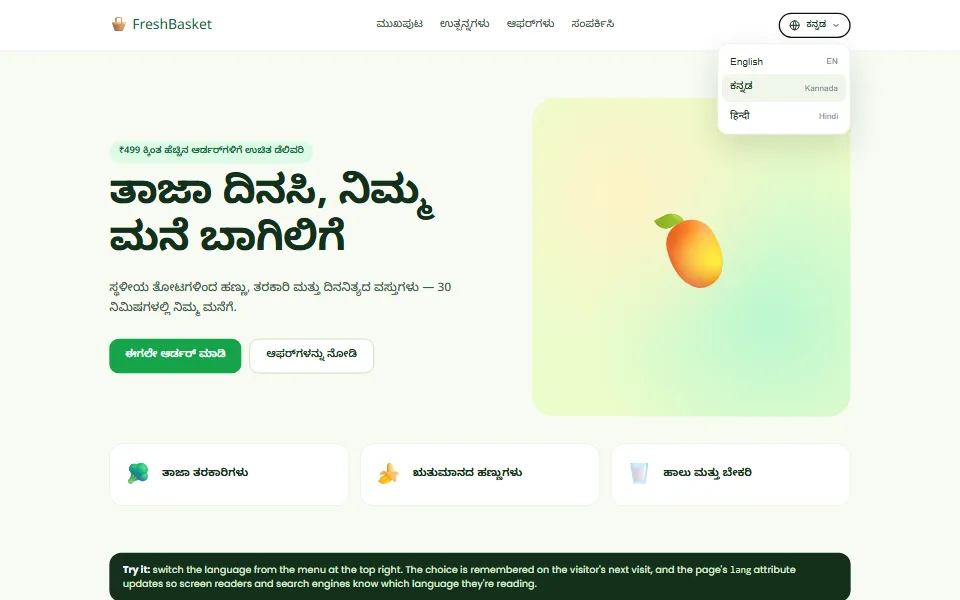
English · ಕನ್ನಡ · हिन्दी switcher that remembers each visitor's choice
Tell us what you need — a customised template, a full website, an online store or an app. We usually reply within one working day.